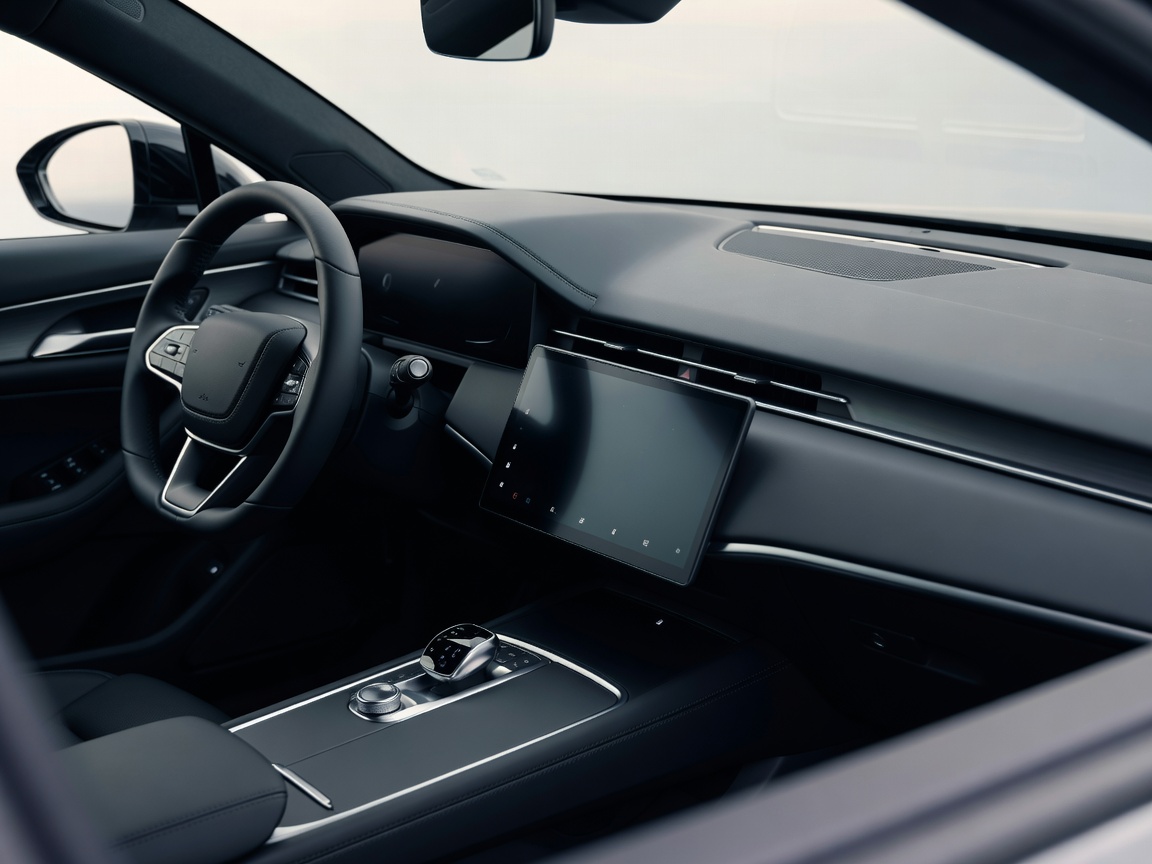
A vehicle interior is an interface between people and a moving machine. Digital displays and cabin sensors can make it more adaptable, but good technology still depends on legibility, clear feedback and thoughtful ergonomics. A modern-looking cabin is not automatically an easy one to use.
Displays that earn their place
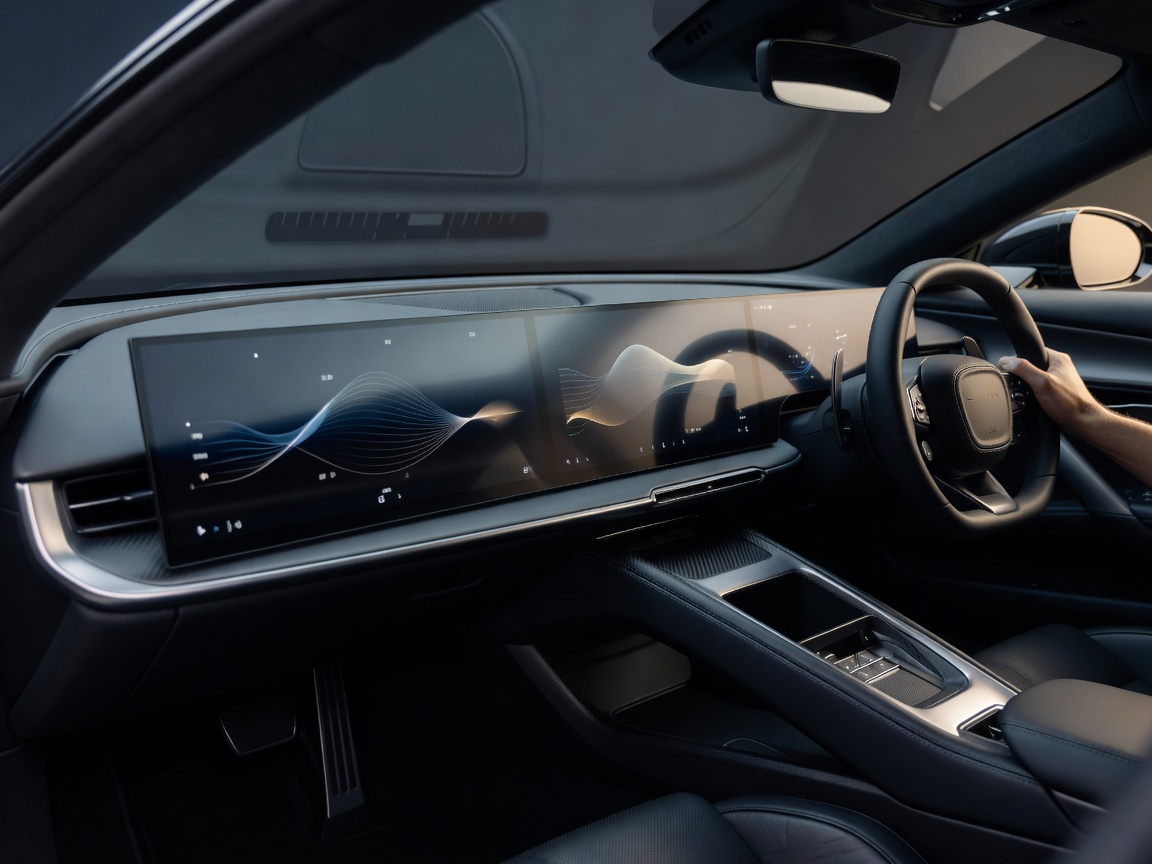
A digital instrument cluster can show speed, alerts, energy information or navigation prompts. An infotainment display may manage media, maps and vehicle settings. A head-up display projects selected information into the driver's forward view. Each presentation method has limits: reflections, brightness, font size, viewing angle and information density affect whether content is easy to understand.
Designers must establish hierarchy. Frequently needed driving information should be distinguishable from secondary settings. A display should communicate when a command has been accepted and what state a feature is in. Personalisation can help, but too many layouts or alerts can create confusion. Drivers should set up the cabin when safely parked and follow the vehicle's instructions.
Touch, voice and physical controls
Touchscreens can combine many functions in one surface and make some settings easy to update. Their weakness is that a driver may need to look at the screen to find a control, confirm a selection or navigate menus. Small targets, deep menus and changing layouts can increase effort. Screen technology should not be judged only by size or resolution.
Physical controls offer tactile feedback and can be easier to locate without looking, especially for frequently used functions such as temperature or audio adjustment. Yet a cabin crowded with buttons can also be difficult to learn. Good design chooses the right control for the task and groups it in a predictable place.
Voice control may allow some tasks without manual input, but recognition can be affected by noise, accents, language, connectivity and phrasing. It should offer a clear alternative when it misunderstands. Voice commands do not remove distraction automatically; a long interaction can still take attention from driving.
Cabin sensing and personalisation
Driver-monitoring systems may use cameras or other inputs to assess attention or readiness. Cabin sensors can also support climate settings, occupant detection or other functions depending on the vehicle. The purpose, data handling and operation vary considerably. Owners should review relevant privacy information, camera placement and controls, and understand what happens when sensors are obstructed or a setting is changed.
Personal profiles may remember seat, mirror, display or comfort preferences. Profiles are convenient in a shared vehicle, but can also store identity-linked data. Remove personal accounts and device pairings before selling, returning or lending a vehicle. Check the manual for a factory reset process rather than assuming logout removes every stored setting.
Lighting, comfort and passenger technology
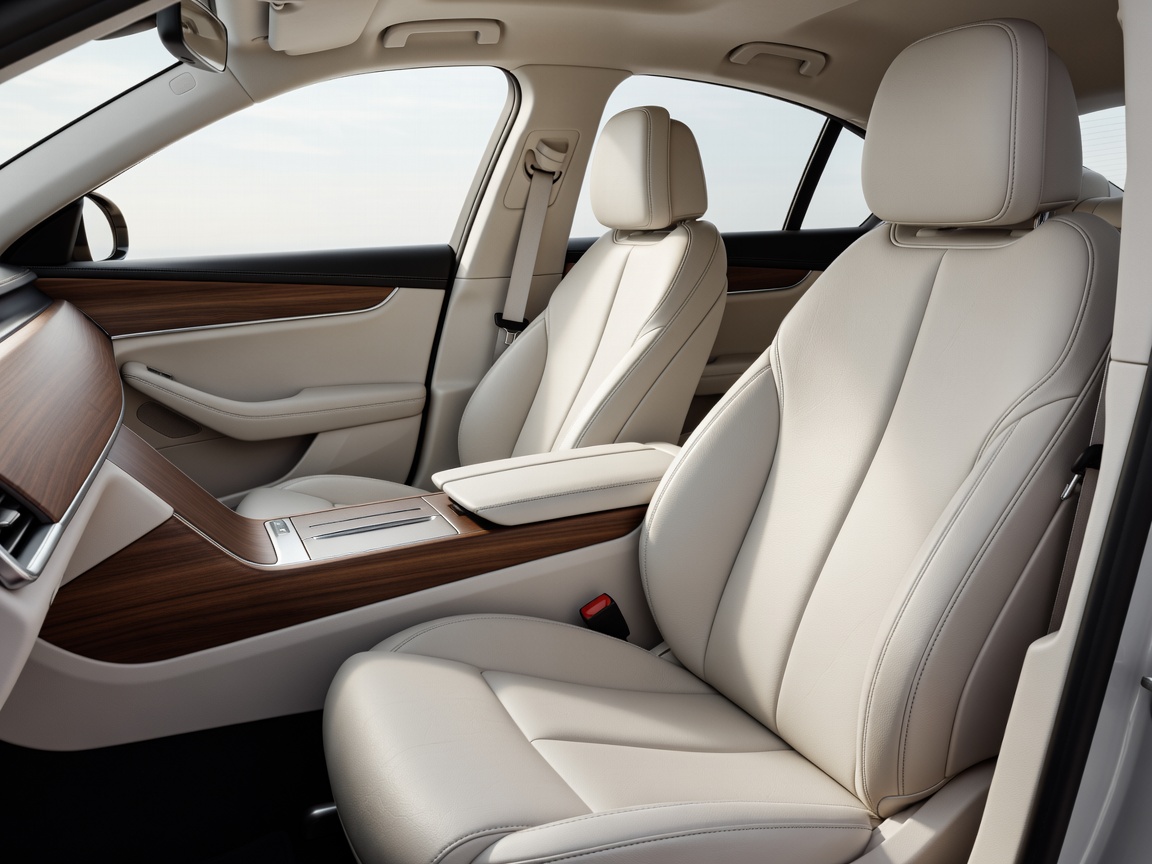
Ambient lighting can help define a cabin's character and may provide status cues. It should not obscure essential information or create glare. Passenger technology can include charging points, rear displays or device connectivity. The best arrangement considers where cables sit, whether a passenger can reach a control and whether an interface encourages distracting interaction while the vehicle is moving.
Ergonomic fundamentals remain important: seating position, visibility, reach, ventilation and clear control feedback. These details are not secondary to digital features. They determine whether the technology works comfortably across different users, clothing, body sizes and journeys.
Advantages and limitations
Potential strengths
- Customisable displays can make relevant information easier to find.
- Voice interaction may suit some simple, supported tasks.
- Profiles can reduce repeated setup in shared vehicles.
- Clear alerts can support understanding of vehicle status.
Design risks
- Menu-heavy screens can divert visual attention.
- Voice recognition may not work consistently in every situation.
- Cabin sensing raises data and consent questions.
- Novelty can overshadow comfort, reach and accessibility.
Good for / what to know
Good for: anyone comparing how a vehicle communicates, particularly drivers who value clear controls, legible information and simple personalisation. What to know: try the interface while parked, check how common tasks are performed, explore privacy settings and confirm which features operate offline. Evaluate the complete cabin rather than a headline screen specification.
Interior equipment and software can vary by trim, model year and market. Confirm current details with the relevant vehicle documentation. This guide is an editorial overview, not a claim about a specific product or a substitute for safe use.
Related guides
Keep exploring
What makes a cabin feel intuitive?
Share a question about controls, displays or vehicle accessibility.