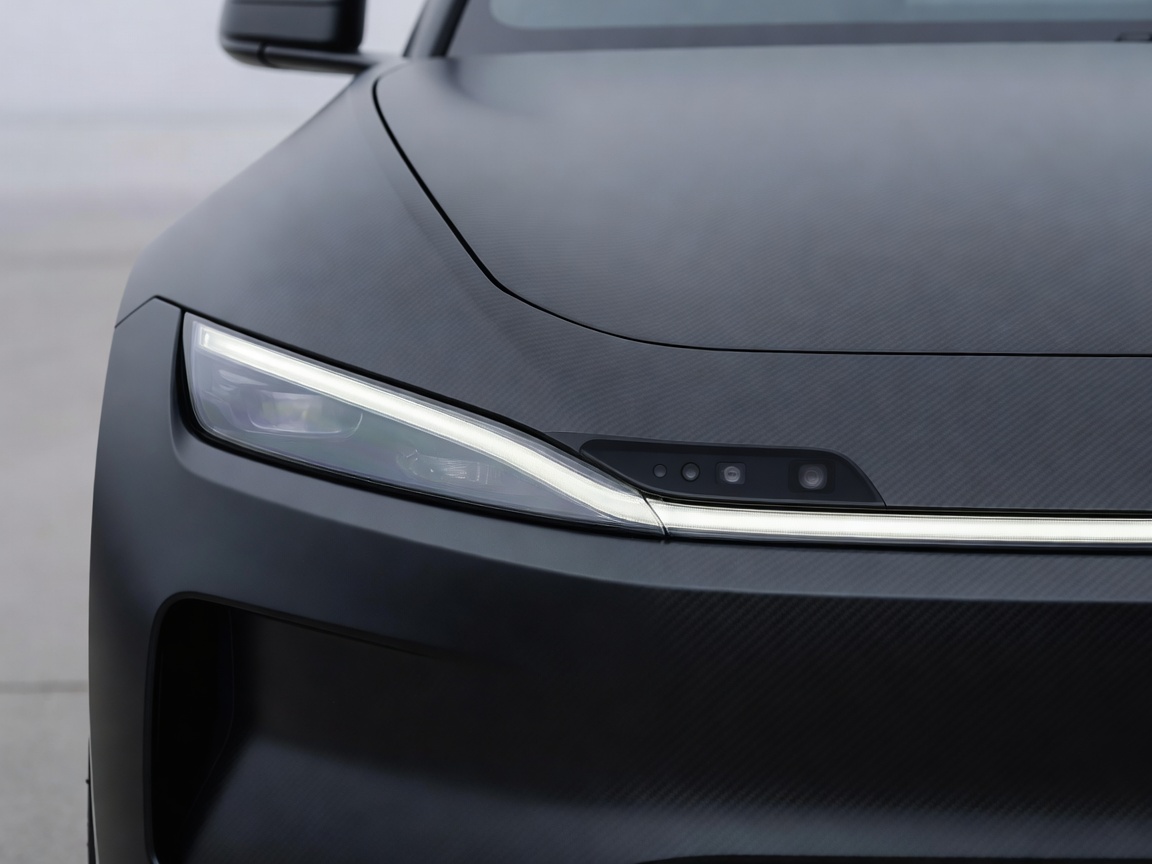
Driver-assistance systems use sensors and software to provide alerts or limited control support. Their purpose is to assist a human driver in defined situations—not to remove the need for attention. Names and capabilities differ between vehicles, so a feature label is only a starting point for understanding what the system actually does.
From alert to active support
A collision warning may alert the driver when the vehicle detects a potential hazard. Automatic emergency braking can apply braking in some circumstances if a collision risk is assessed. Neither feature can identify every hazard or guarantee that a collision will be avoided. Response depends on factors such as speed, object type, road conditions, visibility and system design.
Adaptive cruise control can adjust speed to help maintain a selected gap from traffic ahead. Lane-departure warnings alert when the vehicle appears to leave a lane, while lane-centering or steering support may make limited adjustments under certain conditions. Parking assistance ranges from proximity alerts to camera views and systems that can control parts of a parking manoeuvre. Read the manual to understand the feature in the specific vehicle.
Cameras, radar and sensor fusion
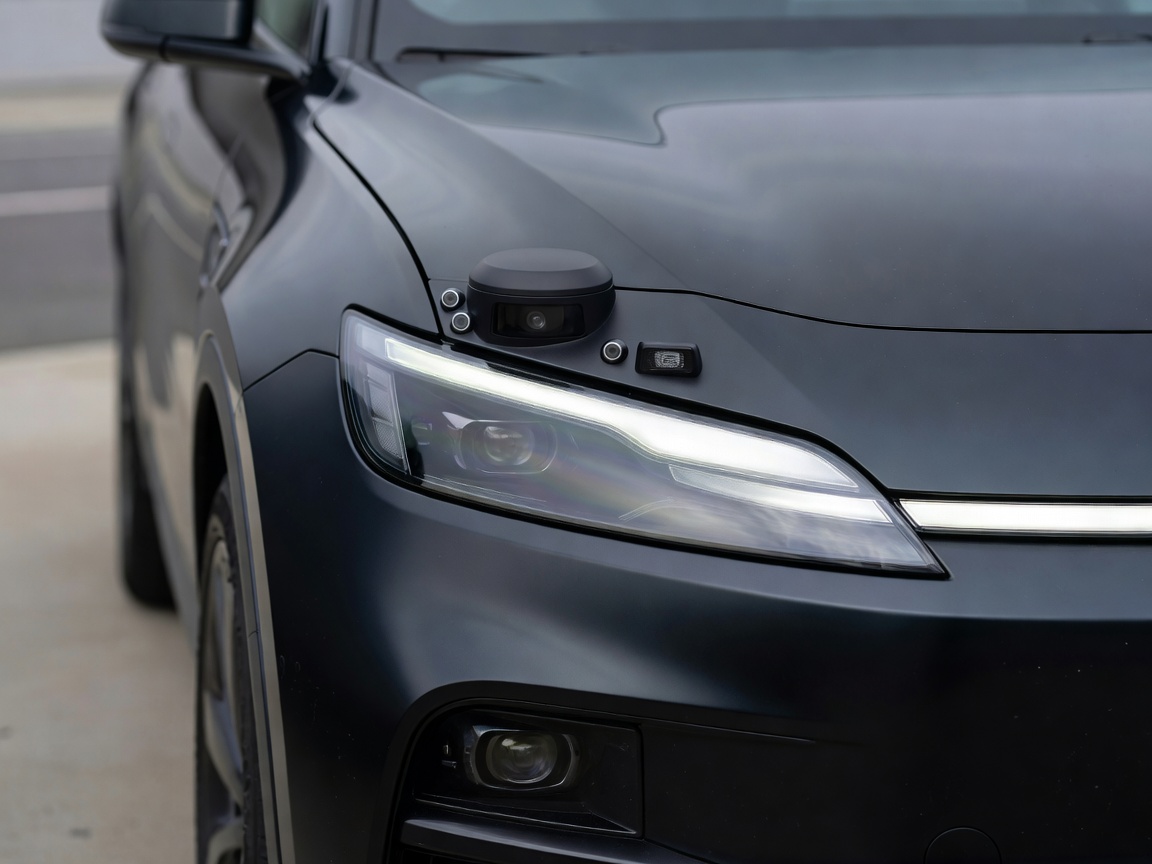
Cameras capture visual information such as lane markings, signs and the shape of nearby objects. Their interpretation can be affected by glare, darkness, rain, snow, dirt or obscured lenses. Radar uses radio waves to estimate distance and relative motion; its strengths and limitations differ from a camera's. Lidar measures distance using light pulses and appears in some vehicle and development contexts, but it should not be assumed to be fitted or used in the same way across cars.
Sensor fusion is the process of combining information from multiple inputs. A software system may compare signals to estimate what is happening around the vehicle. Combining sensors can provide complementary information, but does not make perception infallible. Sensors can be blocked, conditions can change quickly, and unusual objects or road layouts may challenge automated interpretation.
Driver monitoring and responsibility
Some vehicles monitor signs of driver attention or readiness. Monitoring methods and responses vary. A prompt is not permission to look away, use a phone or treat a support feature as a substitute driver. Follow the vehicle's instructions, keep appropriate control and be prepared to intervene immediately whenever the system requires it.
Driver assistance is distinct from automated driving. In ordinary assistance features, the human remains responsible for driving and supervision. Automation terminology can be complex, and legal definitions vary by jurisdiction. Do not infer the vehicle's responsibility model from a marketing name or a steering-wheel icon.
Conditions and system boundaries
Road markings may be faded, covered or ambiguous. Strong sunlight, darkness, rain, snow, road works, sharp curves and temporary lane layouts can affect system performance. Dirt, ice or damage near sensors can also matter. A vehicle may display a warning, restrict a function or behave differently when the environment falls outside its operating conditions.
Keep sensors and camera areas clean as described in the owner's manual. Pay attention to warnings, avoid assuming a feature is active, and do not attempt to bypass safeguards. If a system behaves unexpectedly, take control safely and seek qualified guidance through the vehicle's support channels. Never experiment with assistance features in a way that puts people at risk.
Comparing assistance approaches
Possible benefits
- Alerts can help draw attention to a detected risk.
- Speed or parking support may reduce workload in suitable conditions.
- Multiple sensor types can contribute complementary information.
- Clear interfaces can help drivers understand system status.
Important limits
- Detection and response are not guaranteed.
- Weather, visibility and road layout can affect performance.
- Feature names do not define identical capability across vehicles.
- The driver may need to take over without delay.
Good for / what to know
Good for: drivers who want support with specific, repetitive tasks and are willing to remain engaged and informed. What to know: compare exact functions, activation conditions, alerts and takeover expectations—not a broad package name. Read the manual, check current local rules and remember that safe driving remains a human responsibility unless the law and a clearly defined system establish otherwise.
Features and regulations may change. This guide is educational and is not a substitute for the owner's manual, professional training or official safety guidance. Verify the details for the vehicle and jurisdiction you use.
Keep exploring
Explore the systems around the driver.
See how connected software and future mobility concepts relate to driver assistance.